Your organisation’s settings form the foundation for your presence with your crew and partners. Here you ensure that all legal and administrative details are correctly stored.
Managing Profile Information
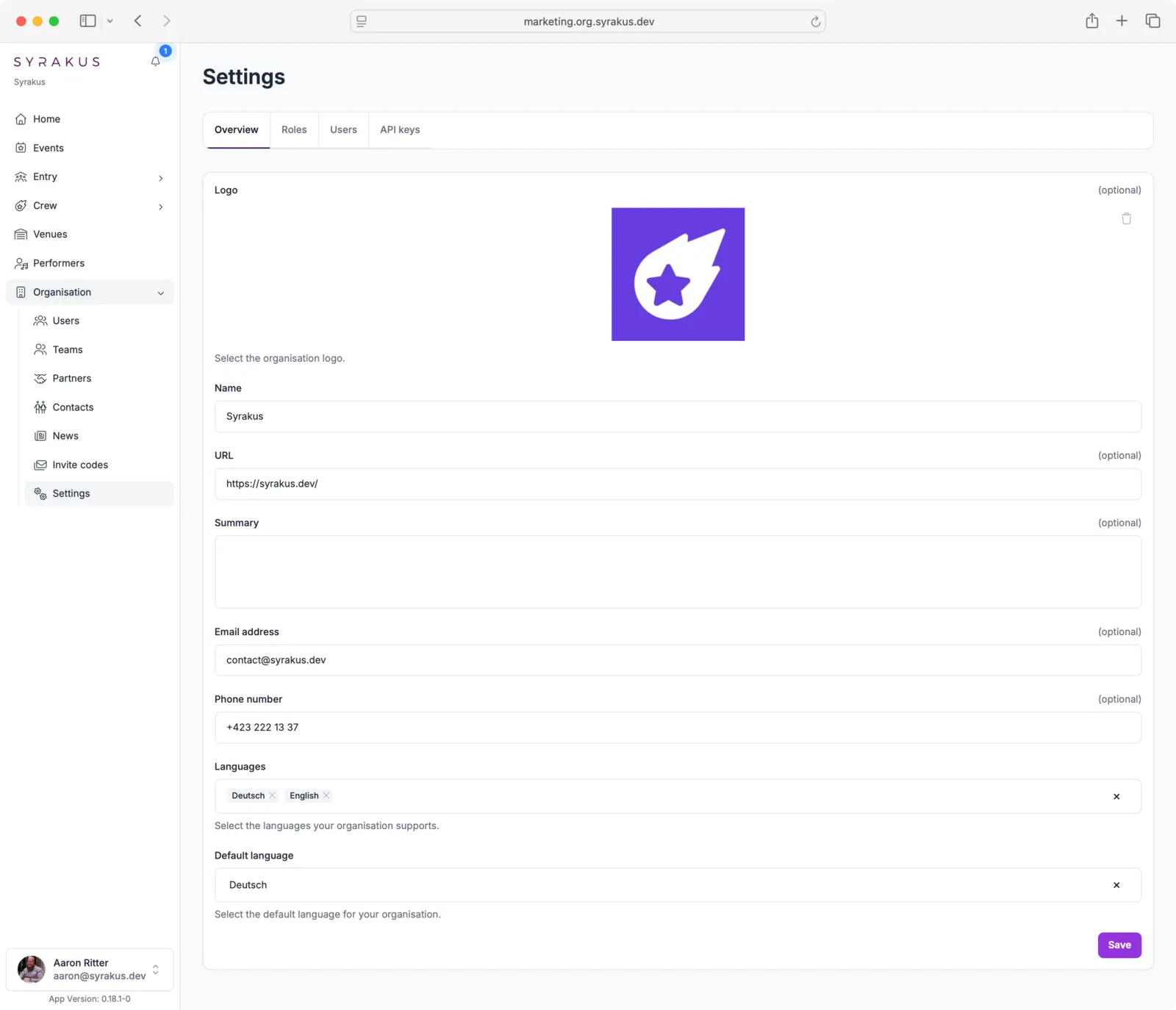
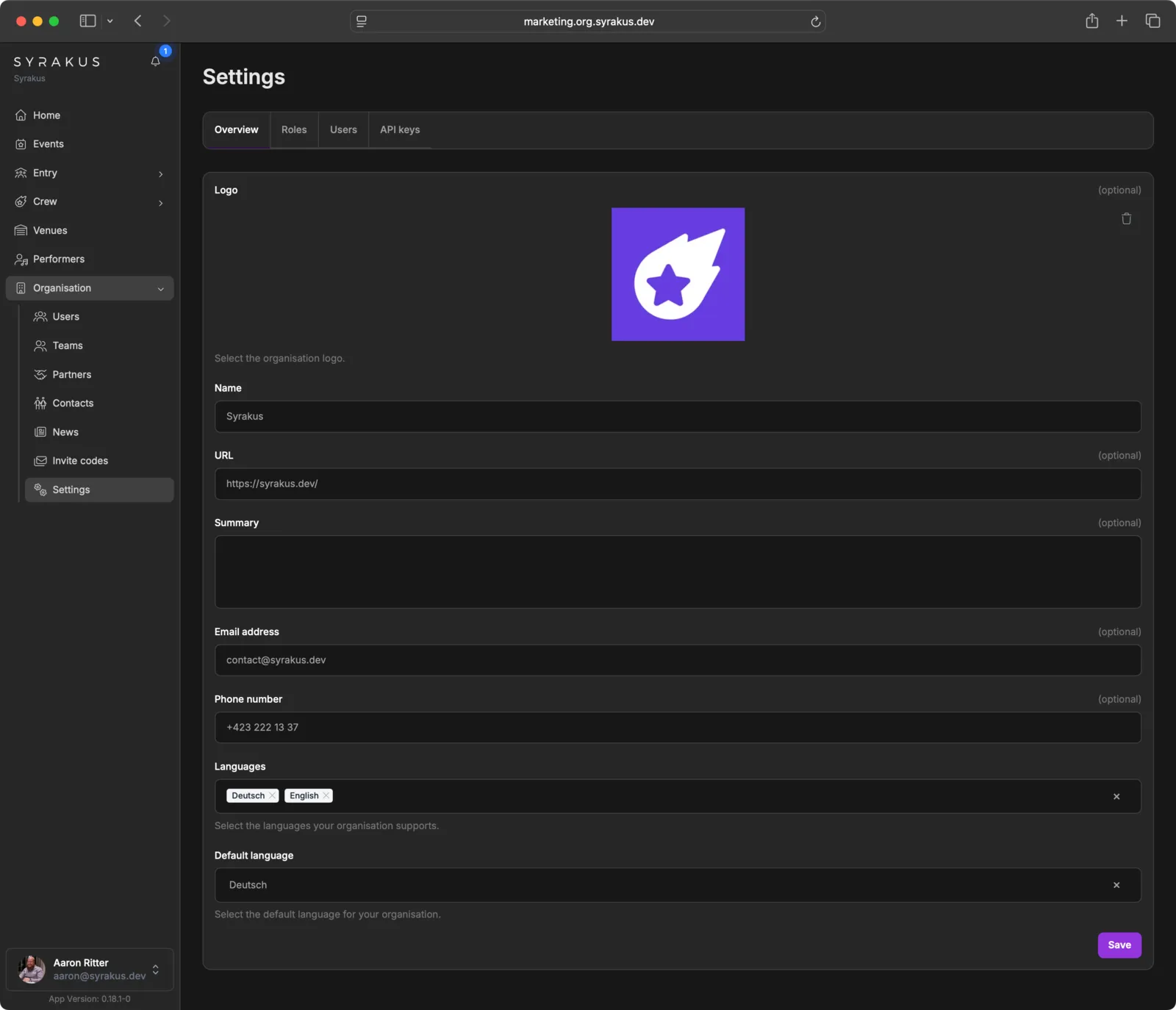
In the Overview tab, you can manage the core identity of your organisation:
- Logo: Upload your organisation’s logo. This will be used in the app and on documents.
- Name: Enter the official name of your organisation.
- URL: Provide a link to your website.
- Summary: Add a brief description of your organisation.
- Email address: Record the central email address for inquiries.
- Phone number: Add the central phone number for inquiries.
- Languages: Select the languages supported by your organisation.
- Default language: Set the primary language in which your organisation’s content is written.
User Settings
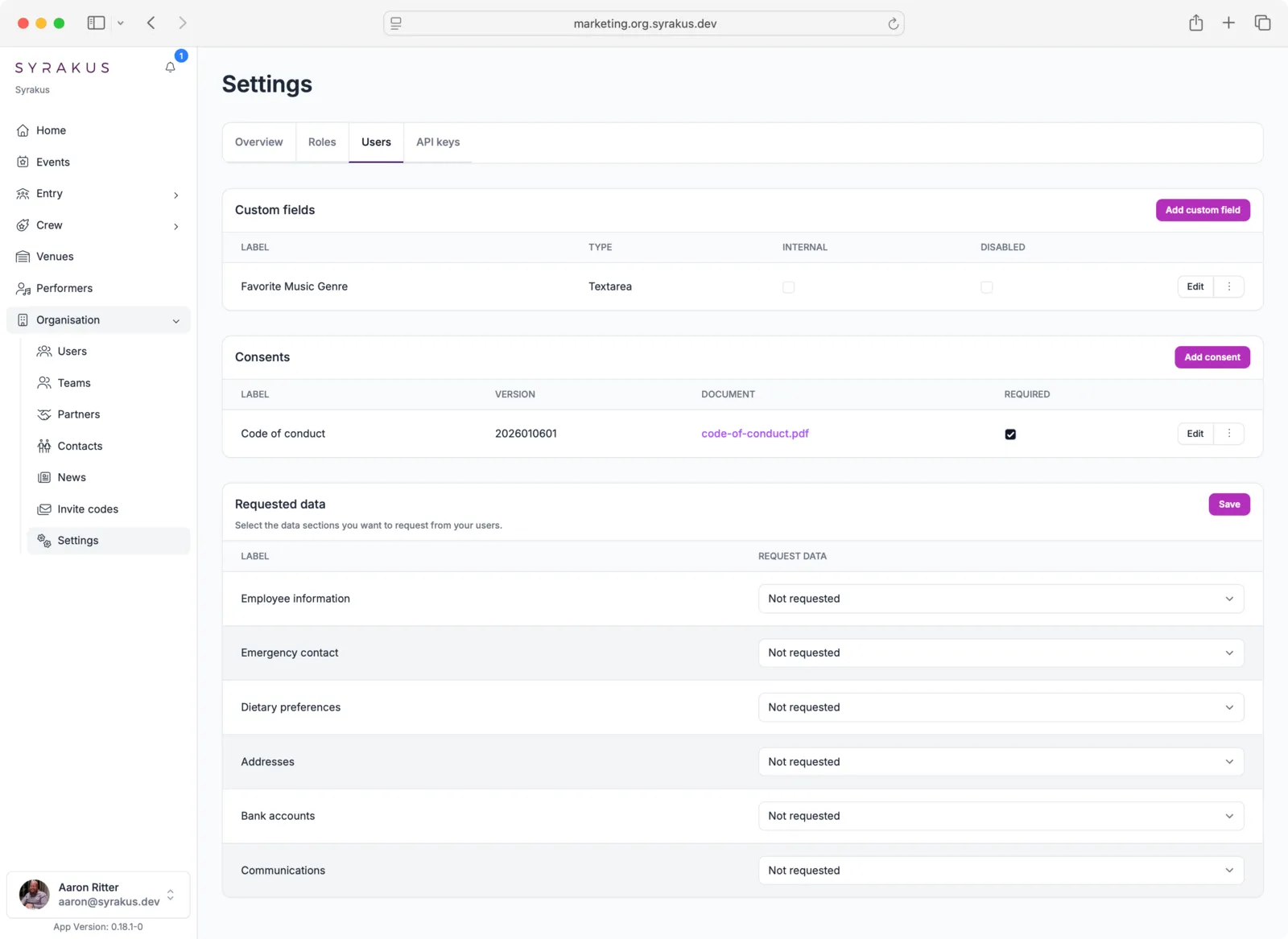
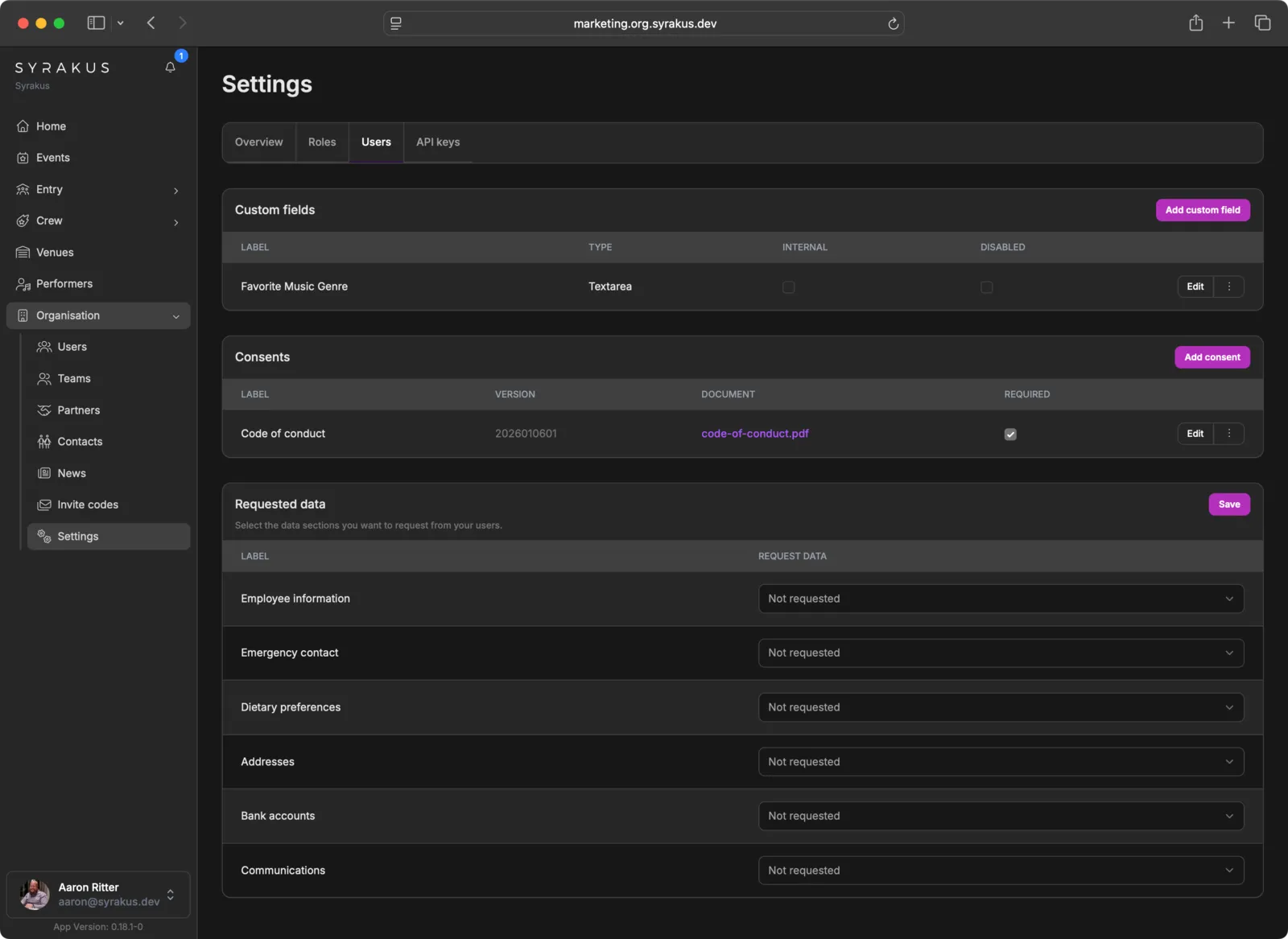
The Users tab allows you to customize how user data is collected and managed:
Custom Fields
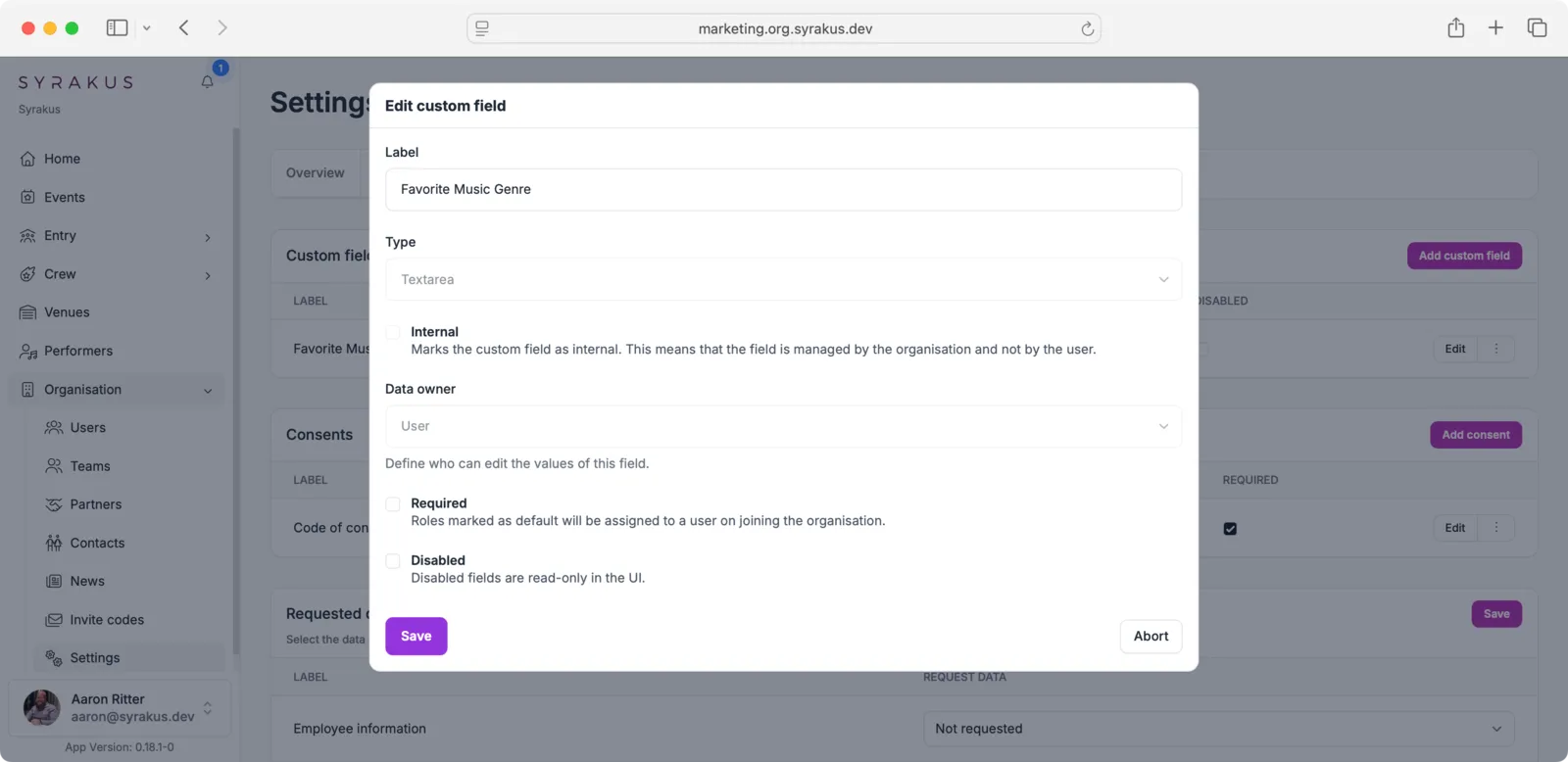
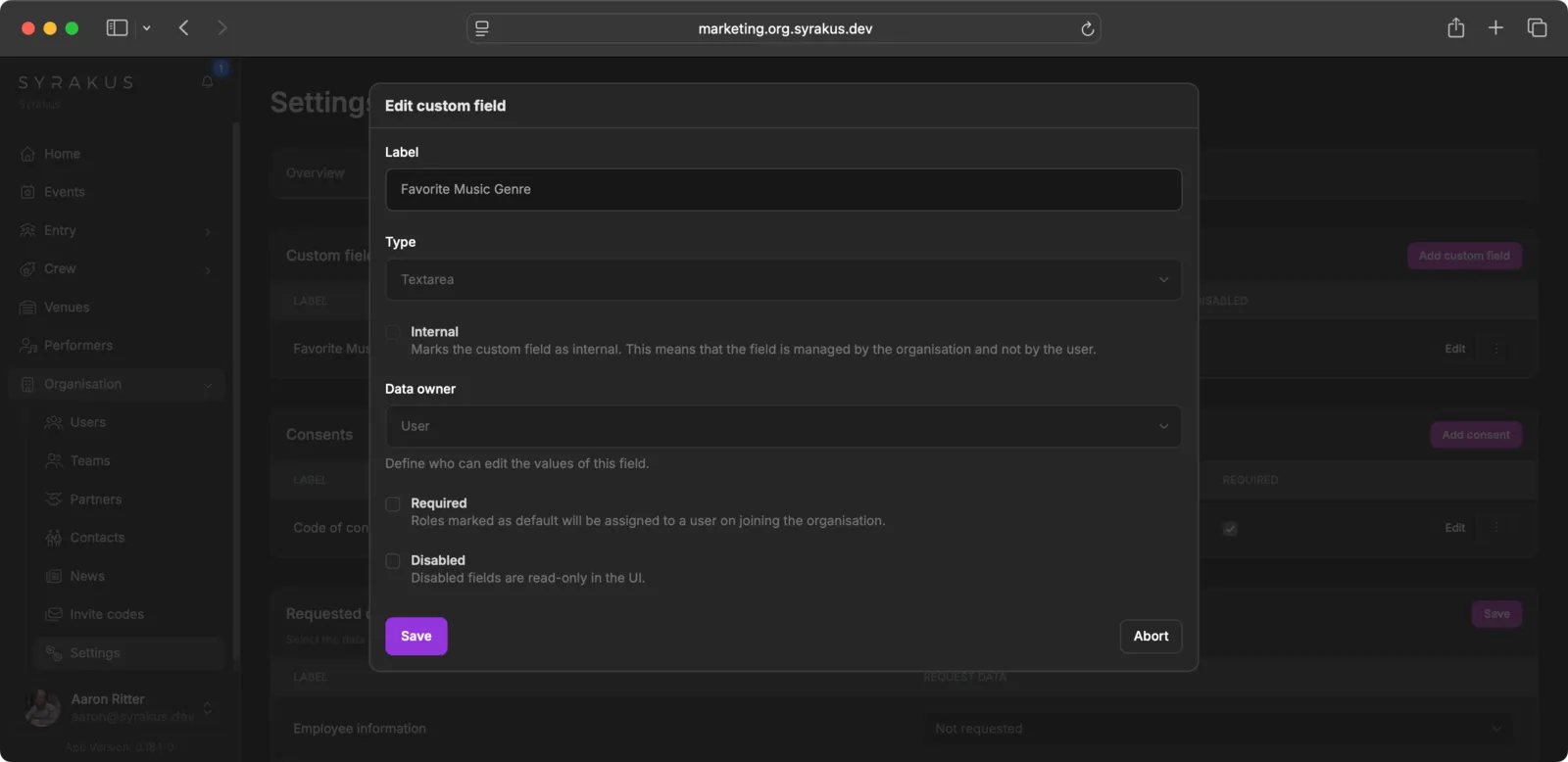
You can define additional data fields for user profiles. When creating a custom field, you can specify:
- Label: The name of the field
- Type: The field type (Text, Textarea, or Yes/No)
- Internal: Marks the field as internal, meaning it is only visible to the organisation and not shown to the user
- Data owner: Who can edit the values of this field (User or Organisation) - only available when the field is not internal
- Required: Whether the field is mandatory for users
- Disabled: Whether the field is read-only in the UI
Consents
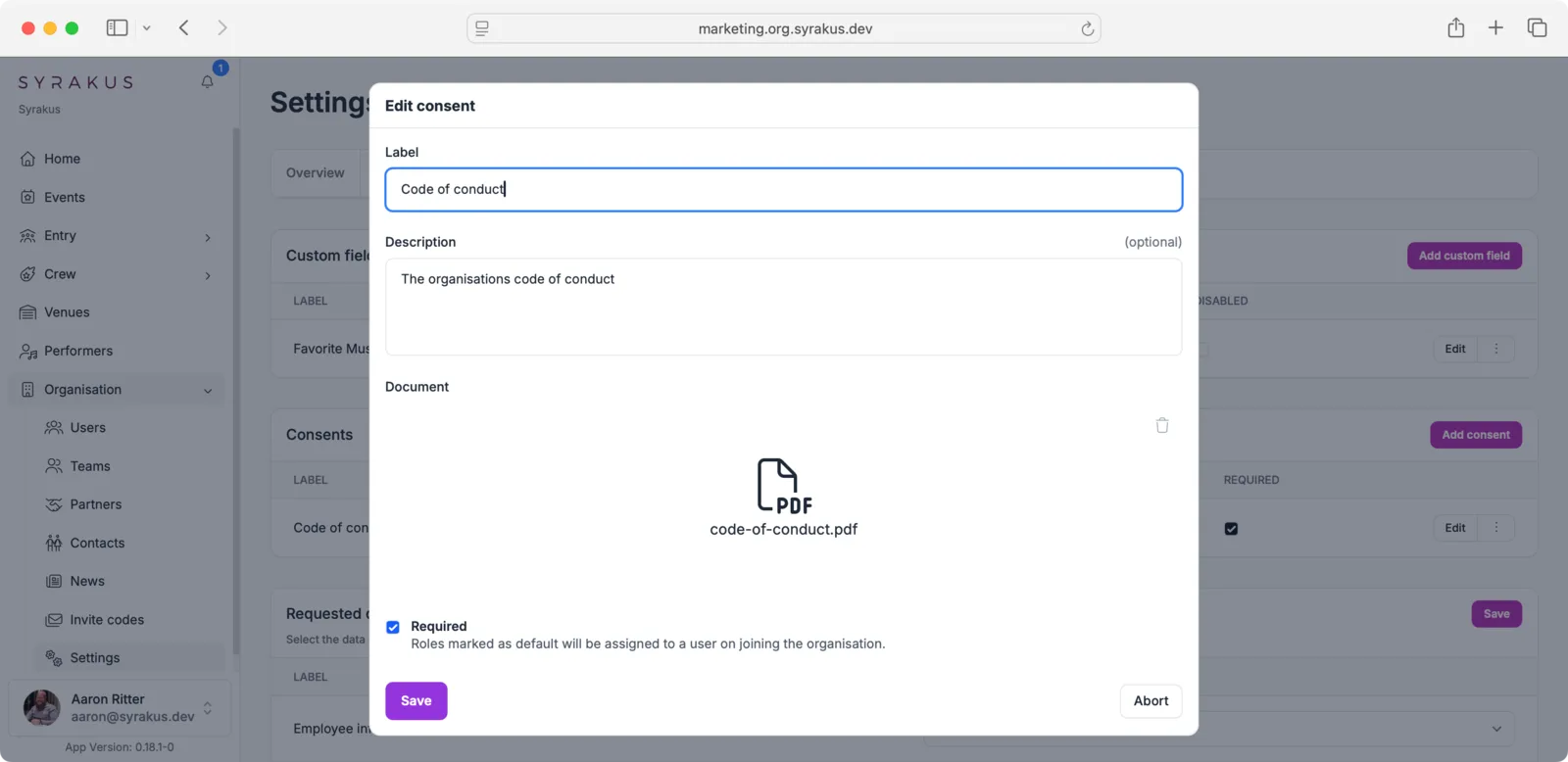
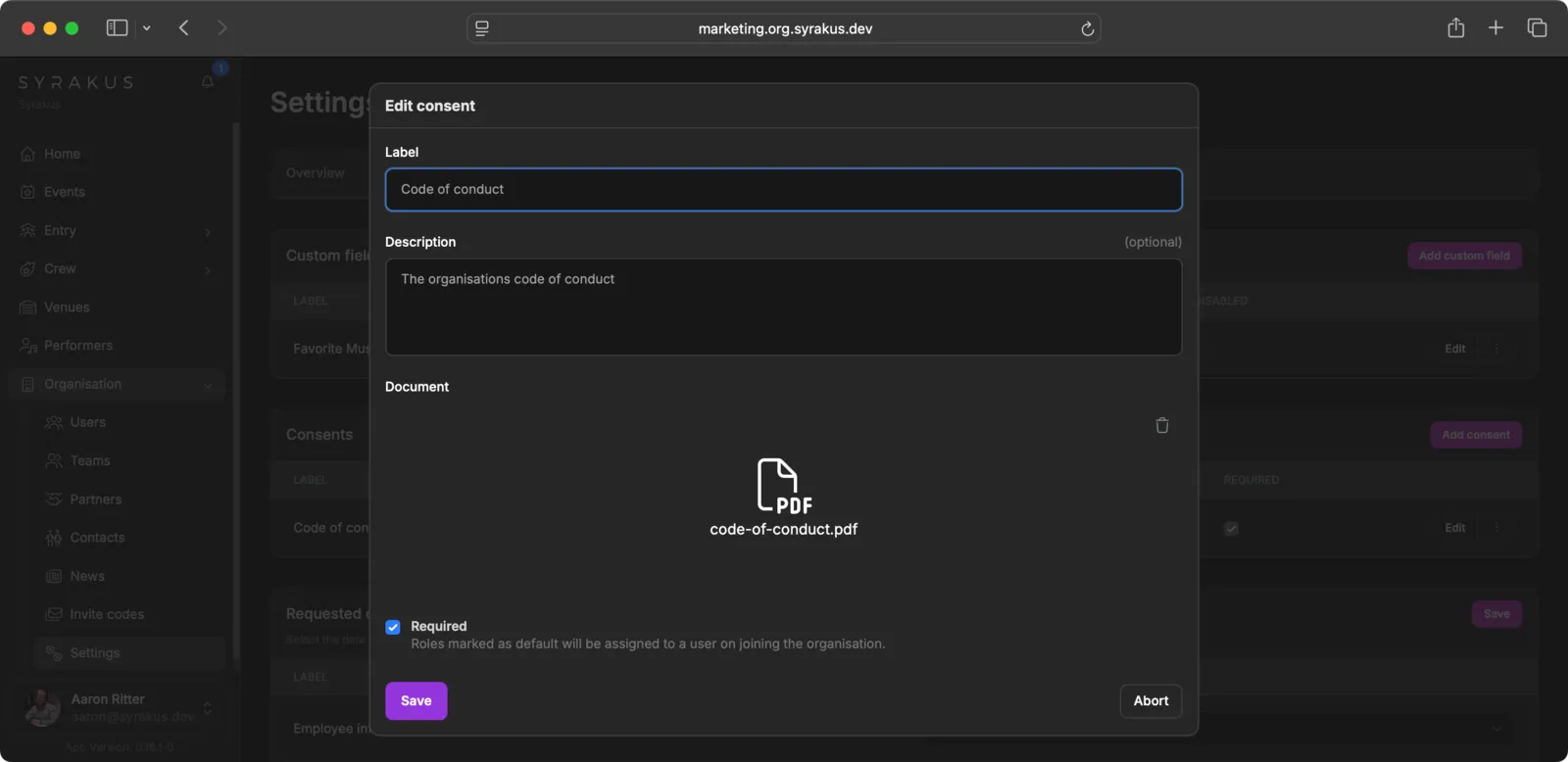
Manage documents that users must agree to, such as a Code of Conduct. You can upload PDF documents and mark them as required for all members joining the organisation.
Requested Data
Select which data sections you want to request from your users, such as:
- Employee information
- Emergency contact
- Dietary preferences
- Addresses
- Bank accounts
- Communications
For each section, you can choose if it is Not requested, Optional, or Required.
Developers and API
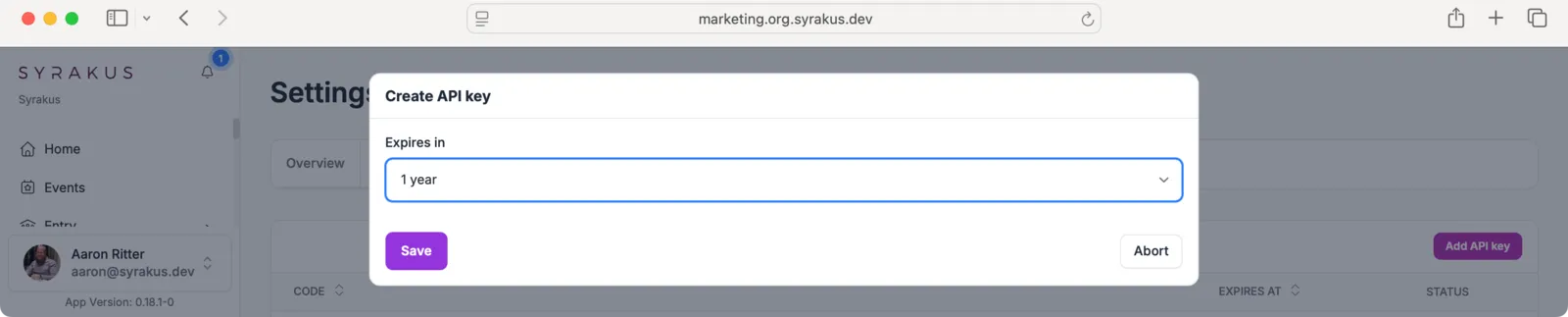
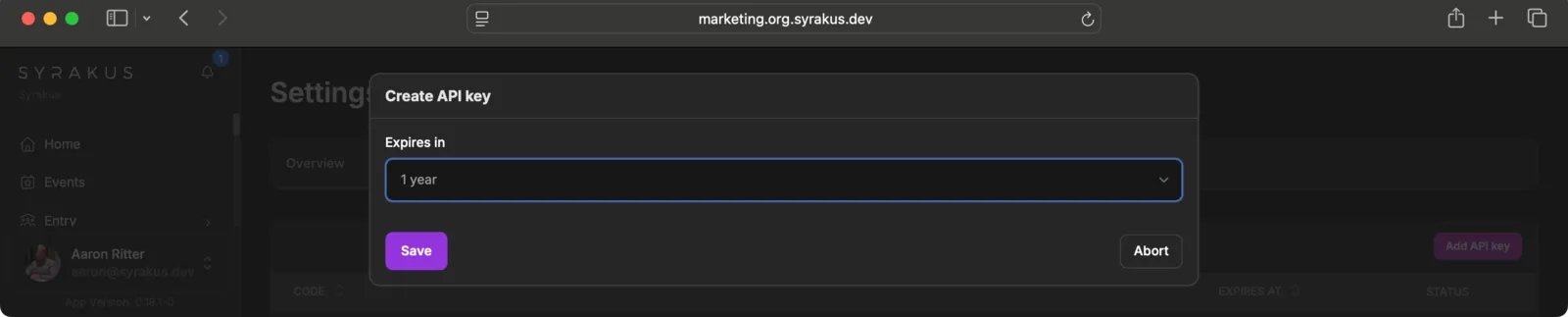
In the API keys tab, you can manage access for external systems:
- Manage Keys: Create and revoke API keys for programmatic access to your organisation’s data.
- Security: Ensure that keys are kept secure and only shared with trusted applications.