SYRAKUS allows you to manage all external relationships in one place. Whether sponsors, suppliers, or partner organisations – the integrated address book keeps all important information ready.
Managing Partners
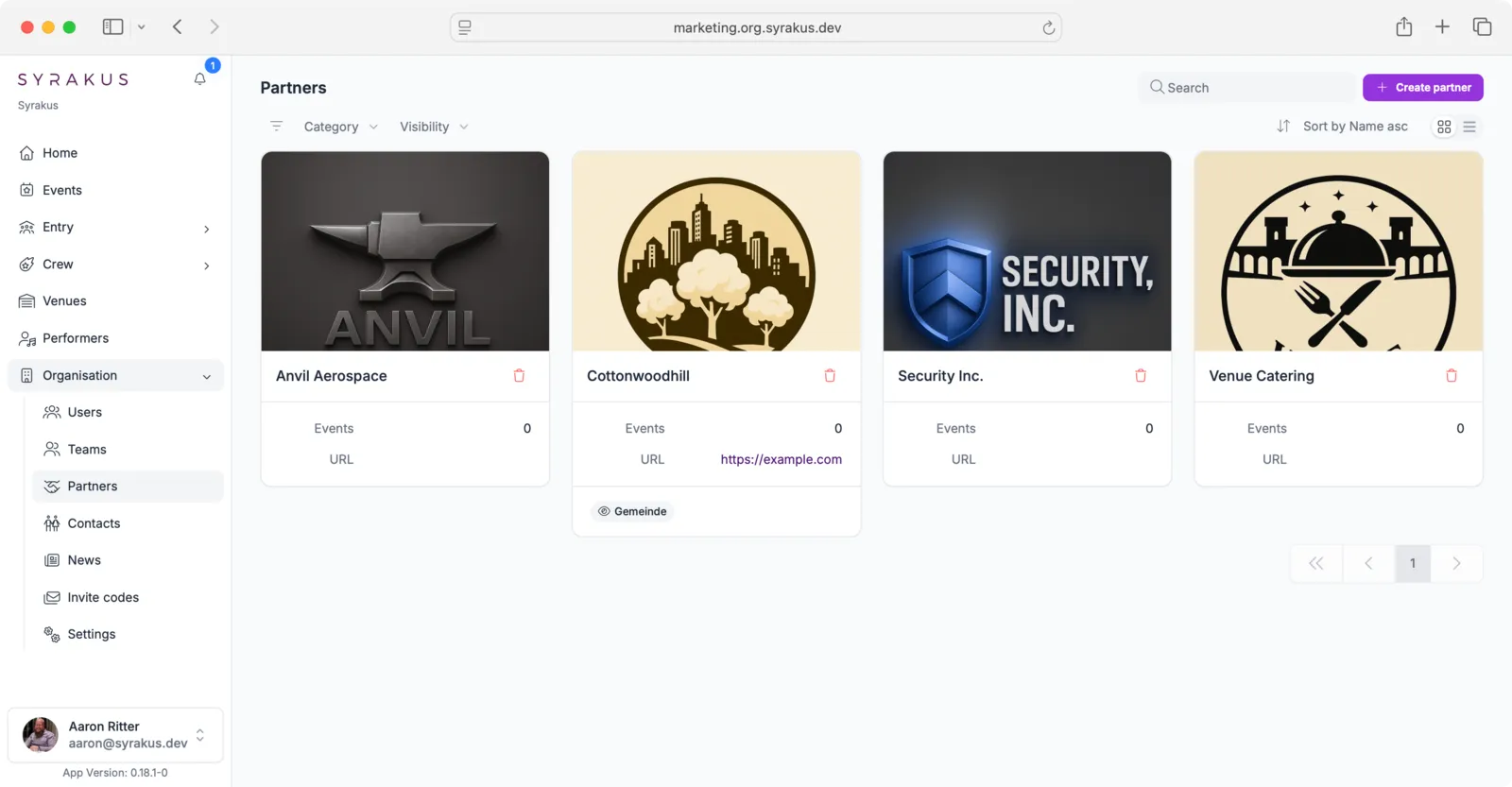
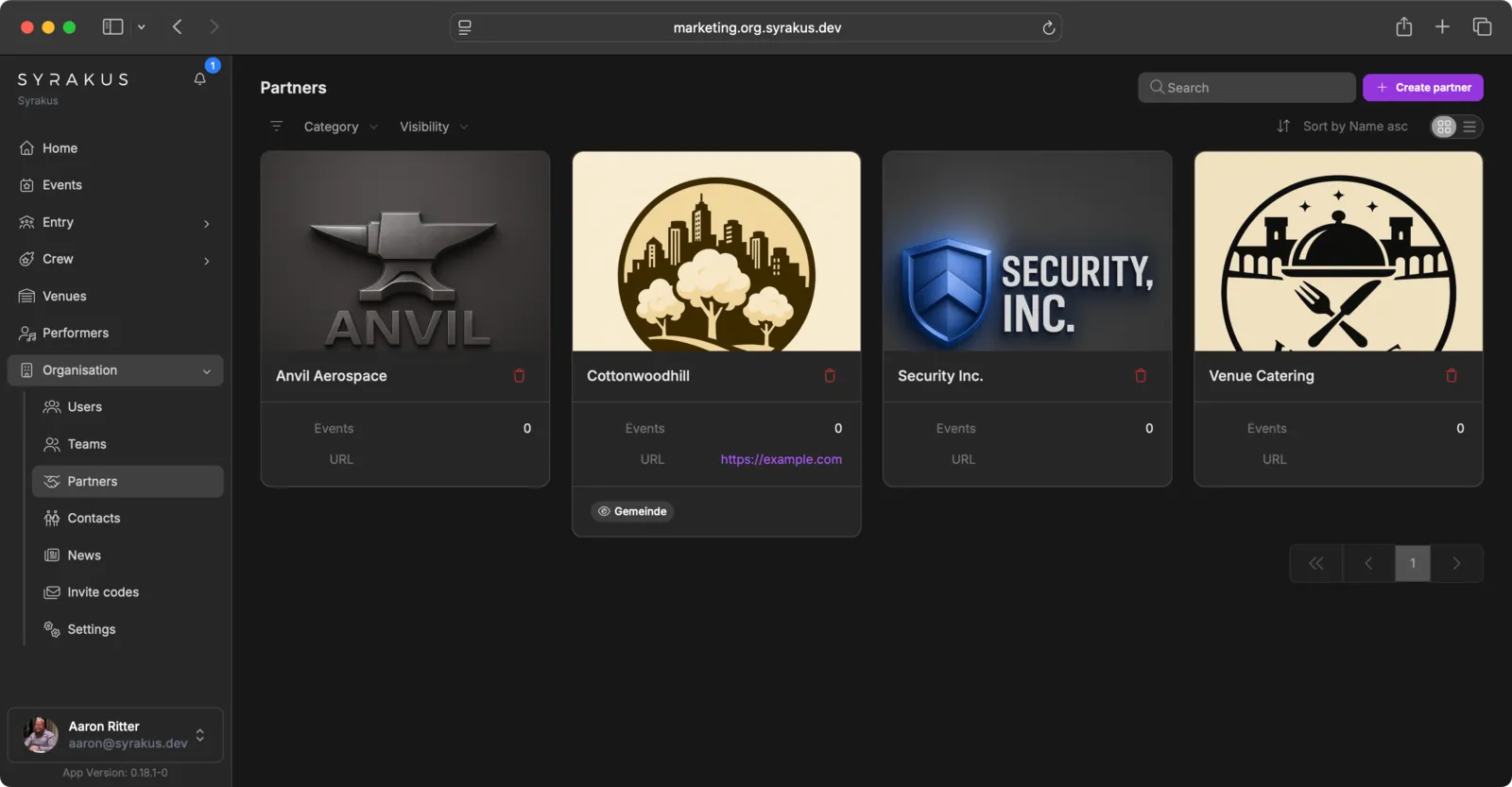
- Access Partners: Go to the “Partners” section in your organisation.
- Add New Partner: Click on “Create partner” and fill in the partner details:
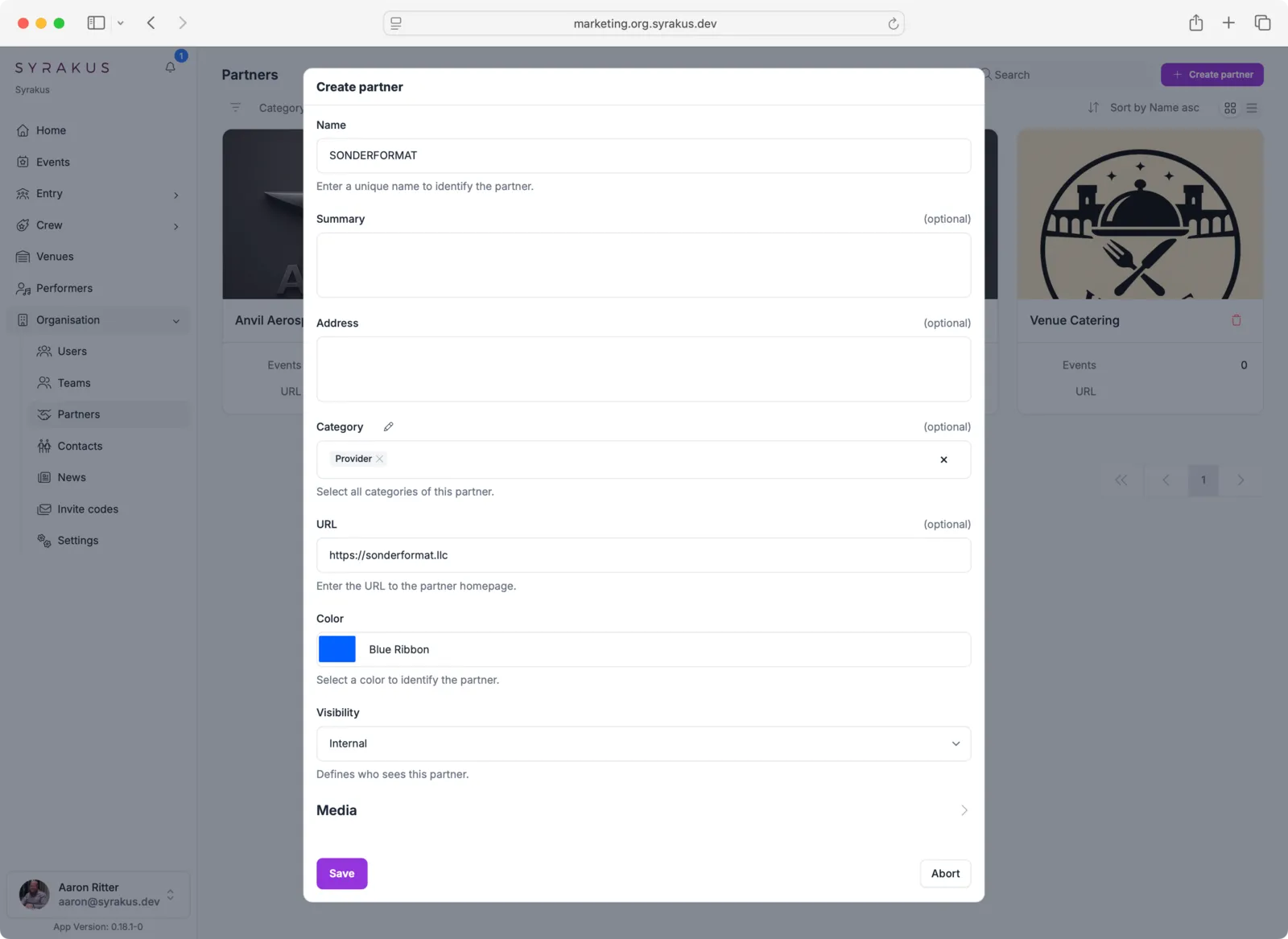
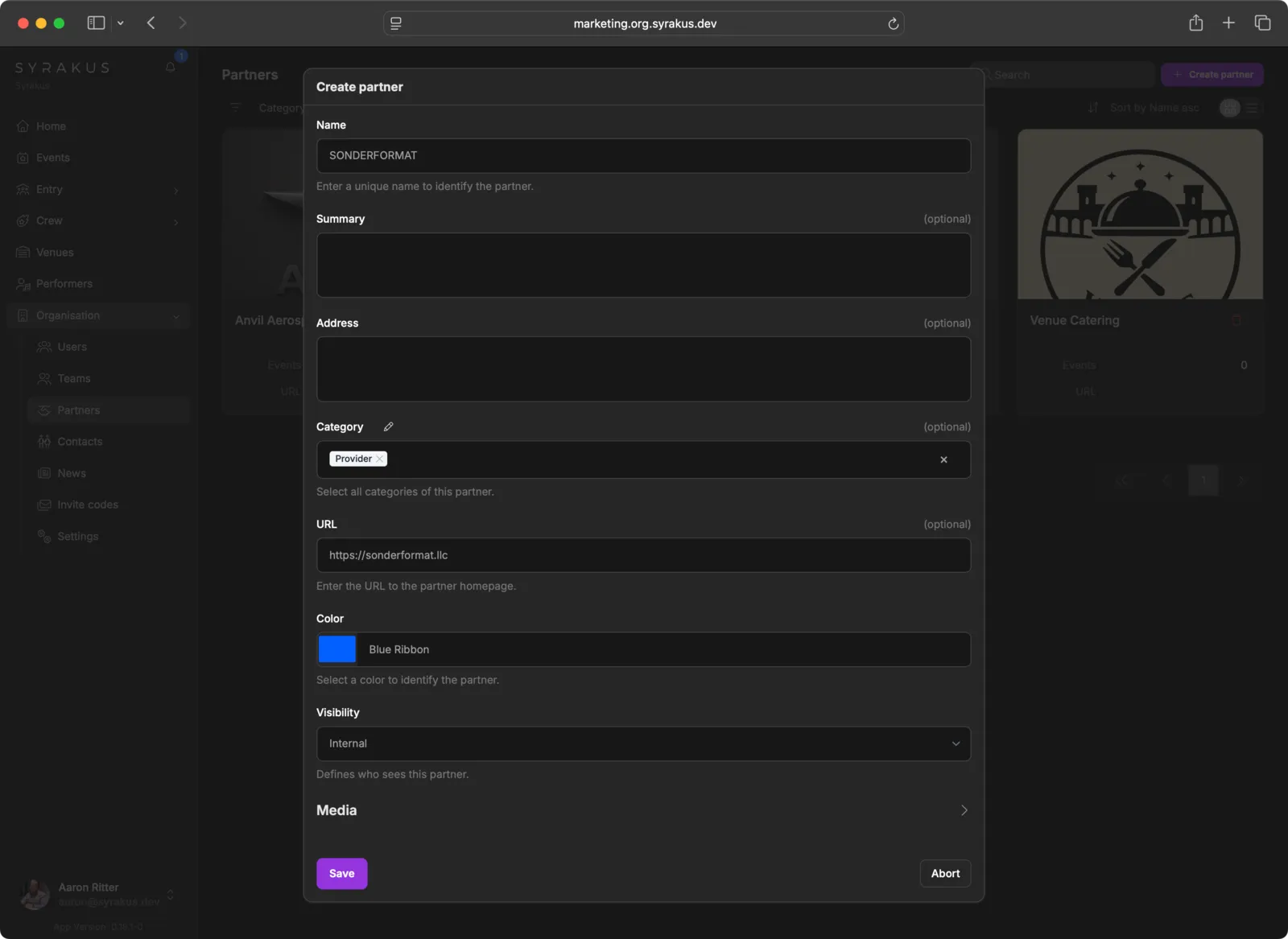
- Name: Enter the partner’s name
- Summary: Optionally add a brief description
- Address: Optionally enter the partner’s address
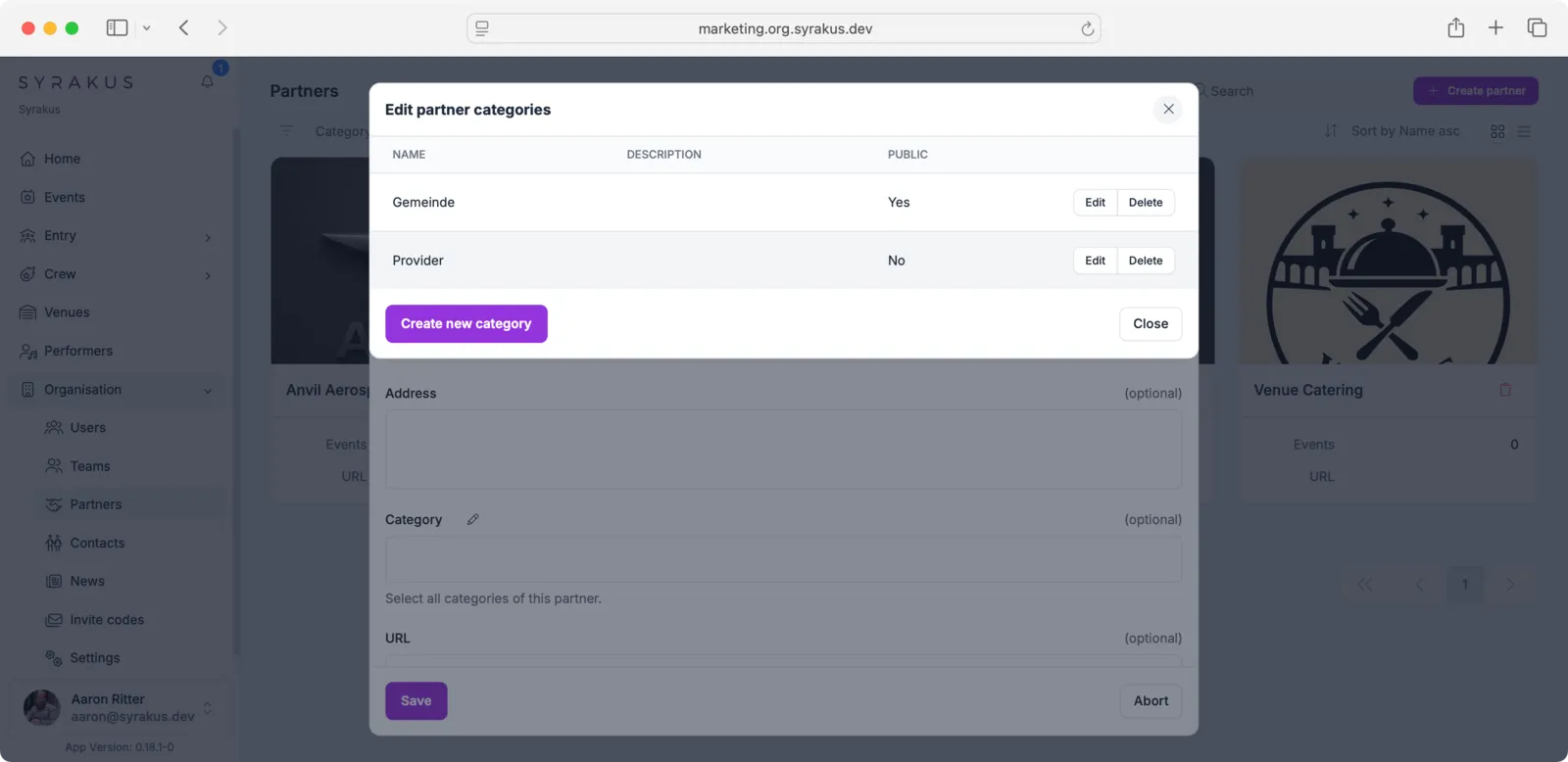
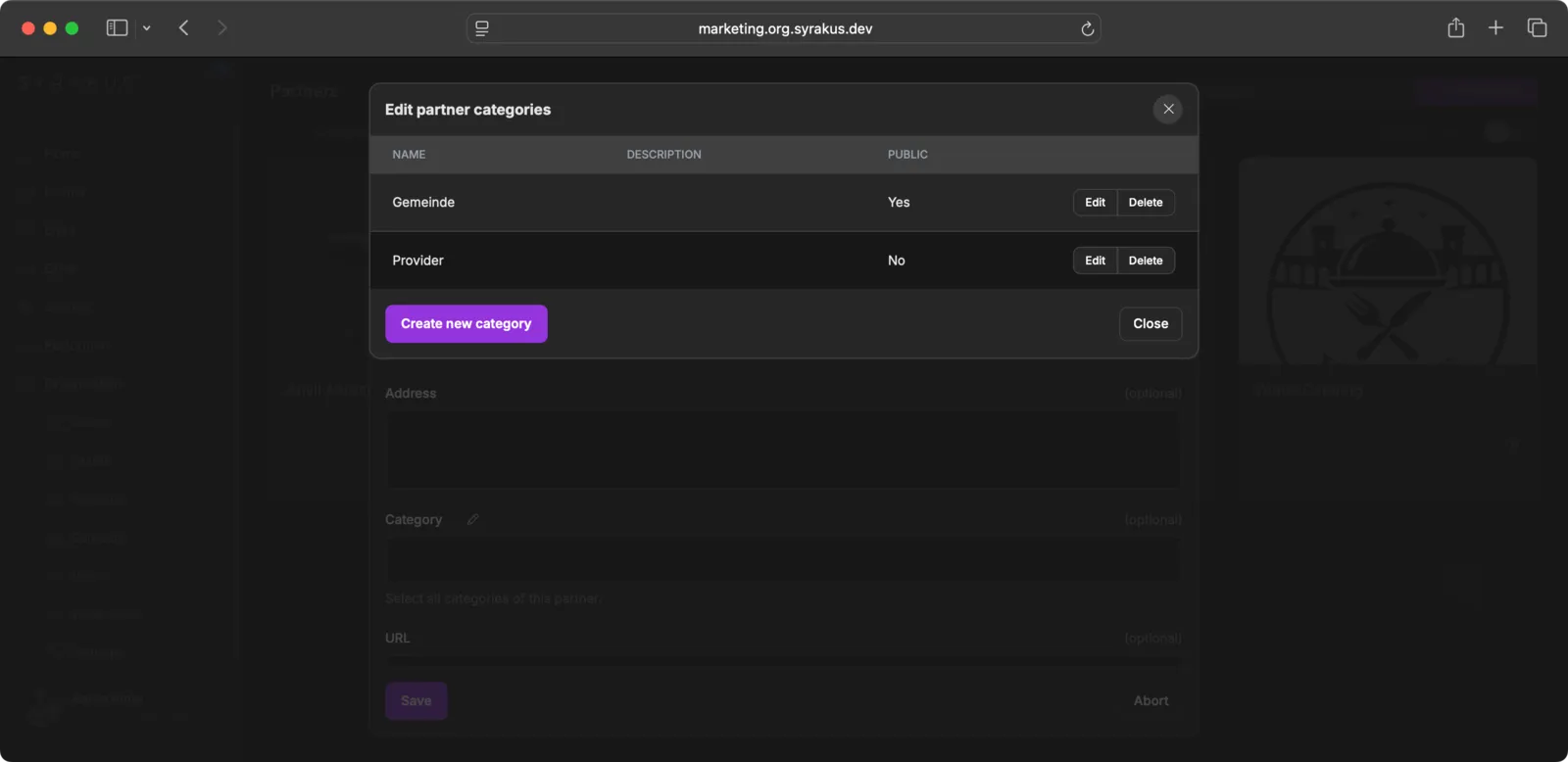
- Category: Optionally assign categories (e.g., “Sponsor”, “Supplier”, “Provider”)
- URL: Optionally add the partner’s website
- Color: Select a color to visually identify the partner
- Visibility: Choose who can see this partner (Public/Internal)
- Media: Optionally add partner media
- Categories: You can group partners into categories for better organisation.
Partner Details
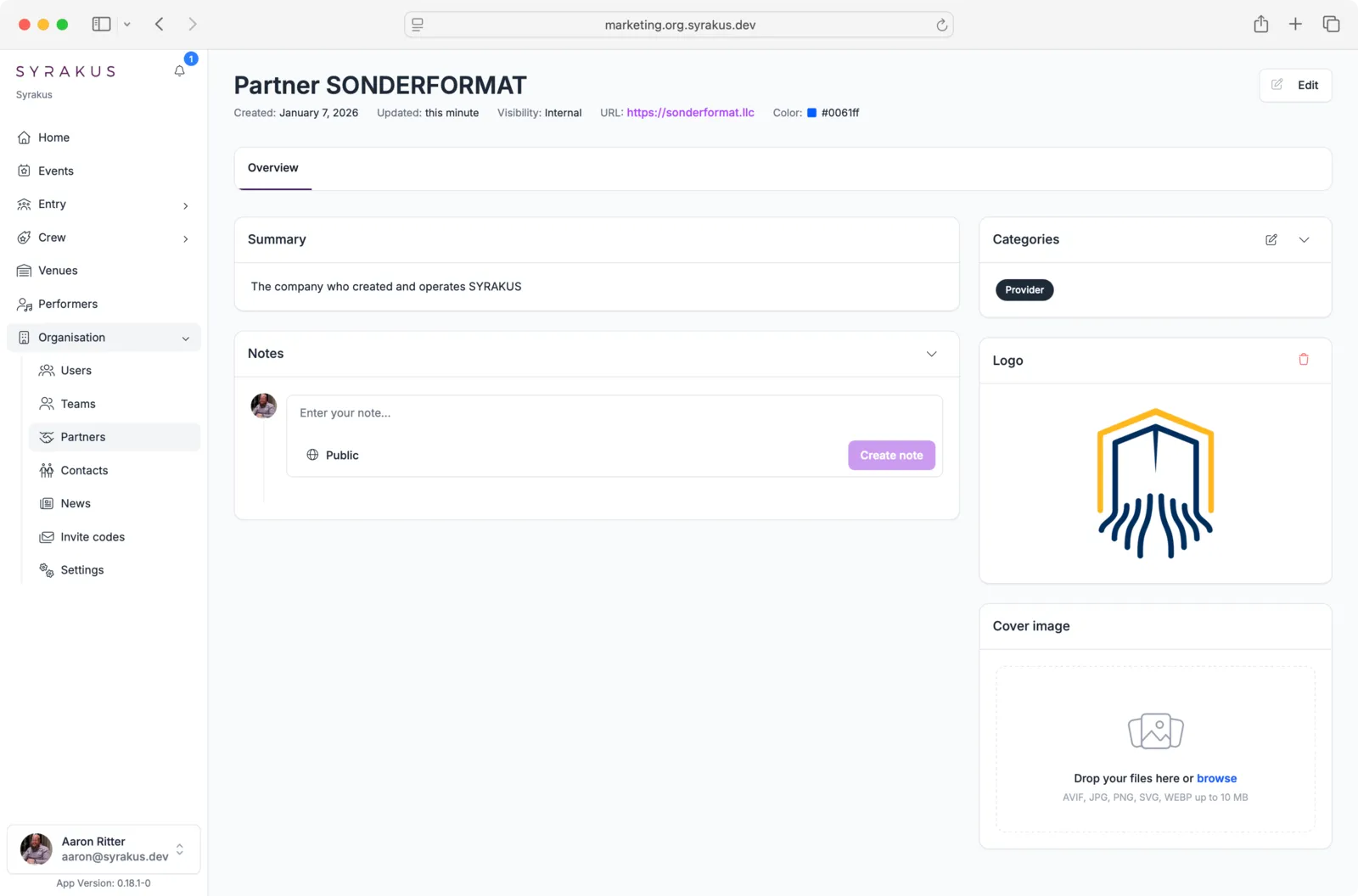
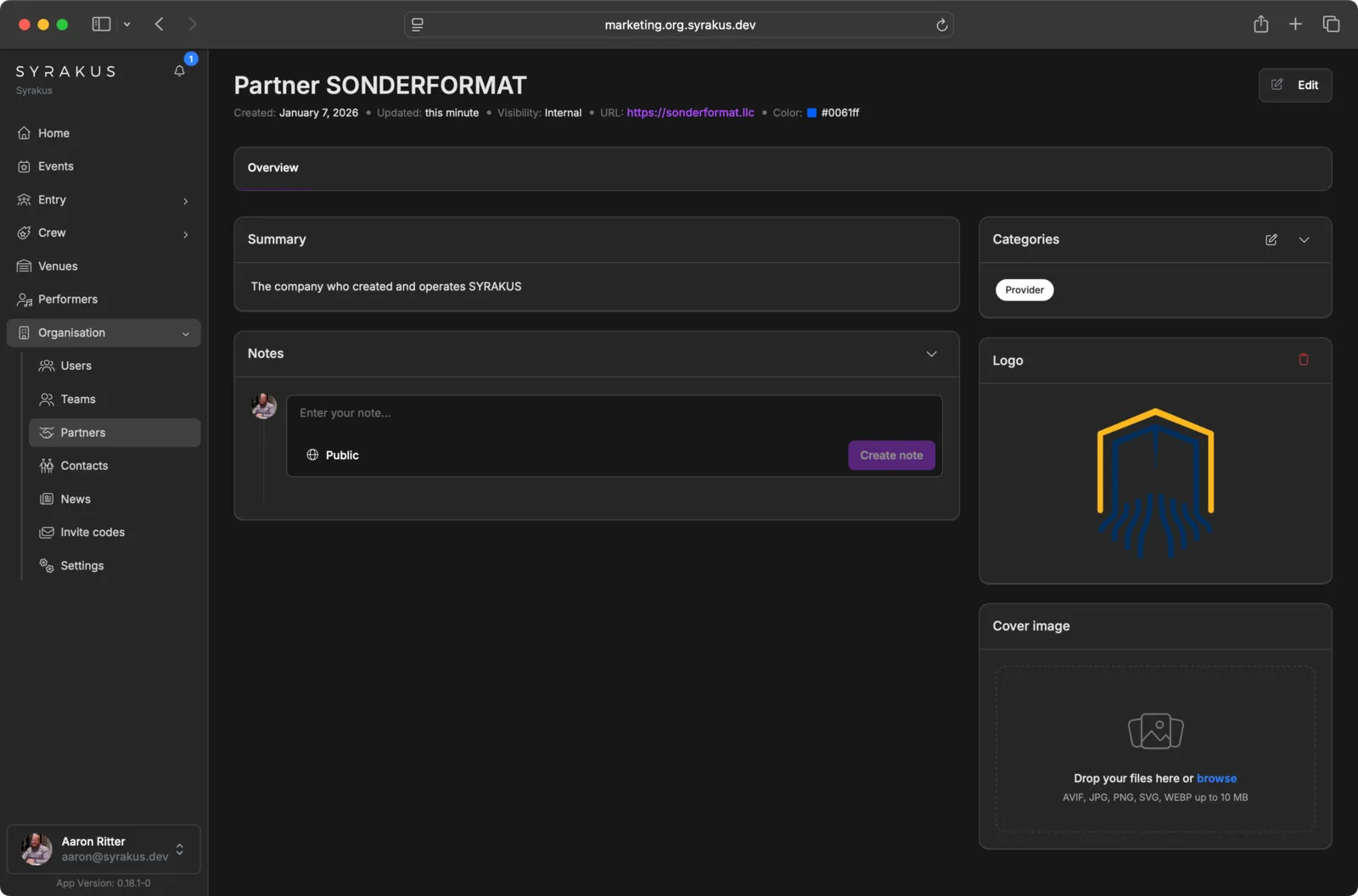
Each partner has a detailed view where you can manage:
- Core Information: Name, logo, website, and summary.
- Contact Details: Address and central contact persons.
- Linked Events: See at a glance which events this partner is involved in.
Integration into Events
Saved partners can be directly linked to events to make responsibilities and contact persons transparent for everyone involved.