SYRAKUS is designed for collaboration. You can invite team members to your organisation and assign them specific roles.
How to Invite Team Members
- Navigate to Team Management: Go to the ‘Users’ section in your organisation dashboard.
- Send Invitations: Enter the email addresses of the team members you wish to invite.
- Accept Invitations: Invited members can accept the invitation via the link in their email.
Invite Codes
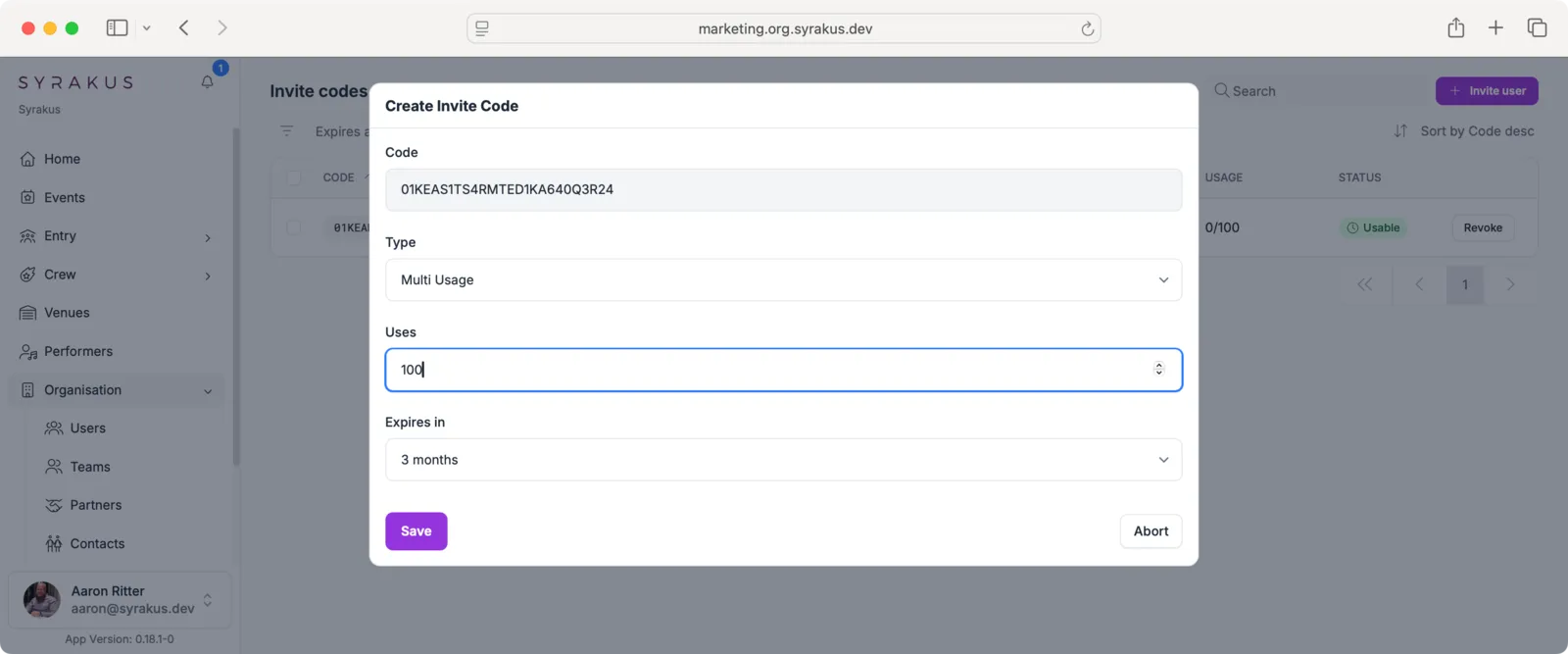
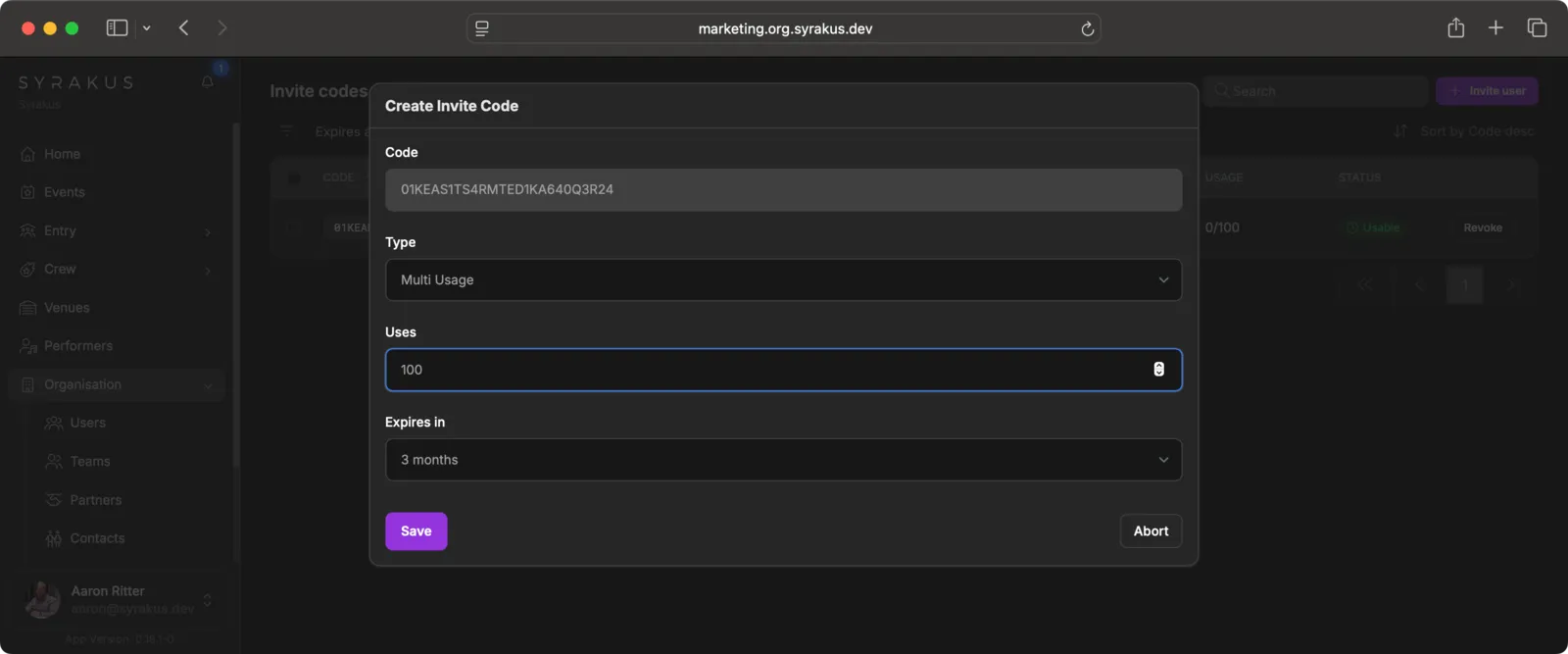
Alternatively, you can create invite codes that allow users to join your organisation automatically with predefined roles and teams:
- Create Code: Navigate to “Invite codes” and create a new code.
- Configure: Fill in the code details:
- Code: A unique code is automatically generated
- Type: Choose between “Single Usage” or “Multi Usage”
- Uses: Set the maximum number of times this code can be used
- Expires in: Set the validity period (e.g., 3 months, 6 months)
- Assign Roles/Teams: Select which roles and teams users will automatically receive when using this code.
- Share: Distribute the code to your crew.
Roles and Permissions
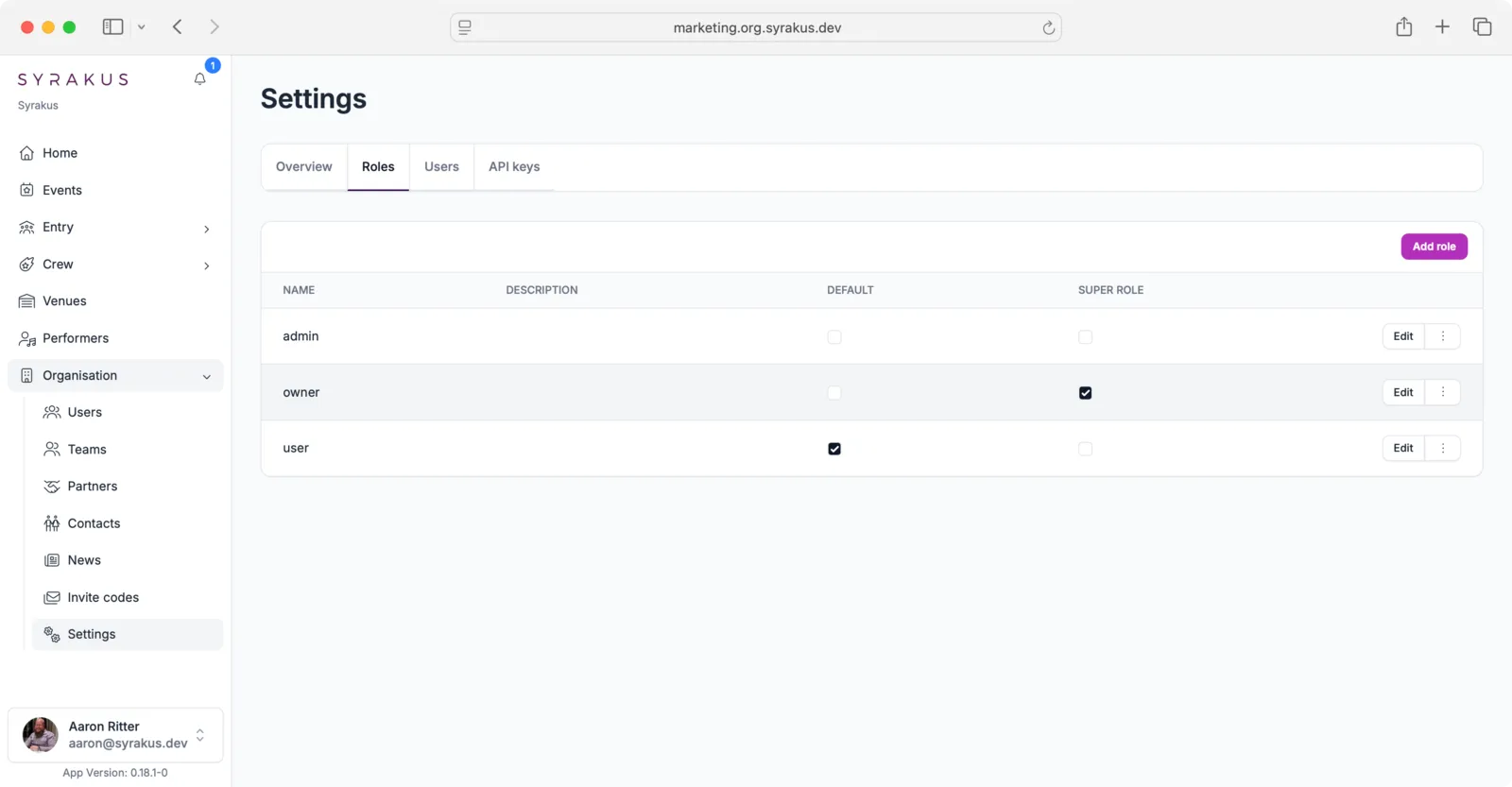
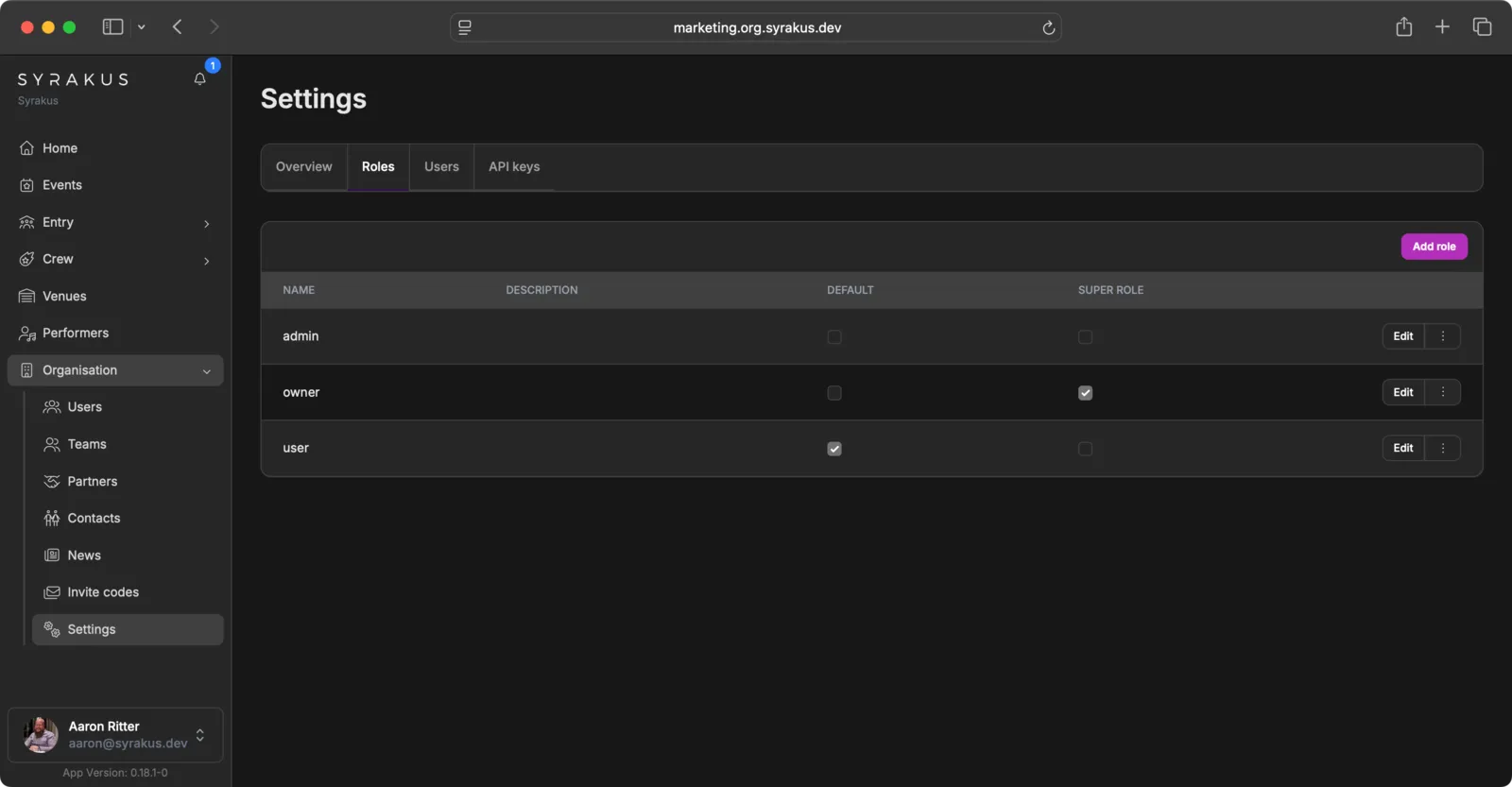
- Assign Roles: Choose appropriate roles for each member (e.g., Admin, Member) to control their access levels.
- Manage Permissions: You can further refine permissions for specific areas or features as needed.